1) Introduction
Optii-Savr is an advanced customs duty saving calculator tool. This guide explains how to navigate the tool, understand its features, and enter accurate information to get the best evaluation.
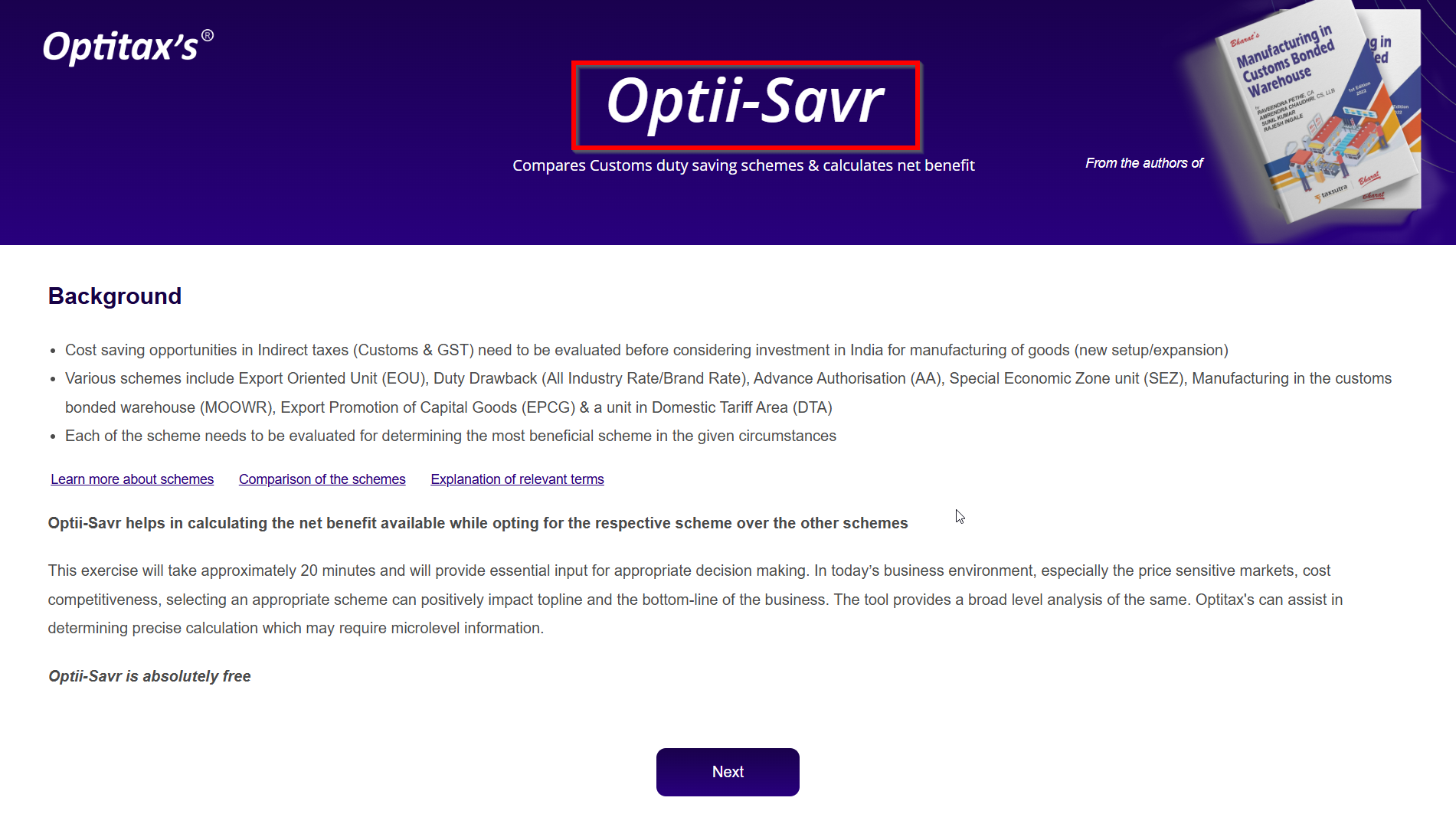
2) Home Page Navigation
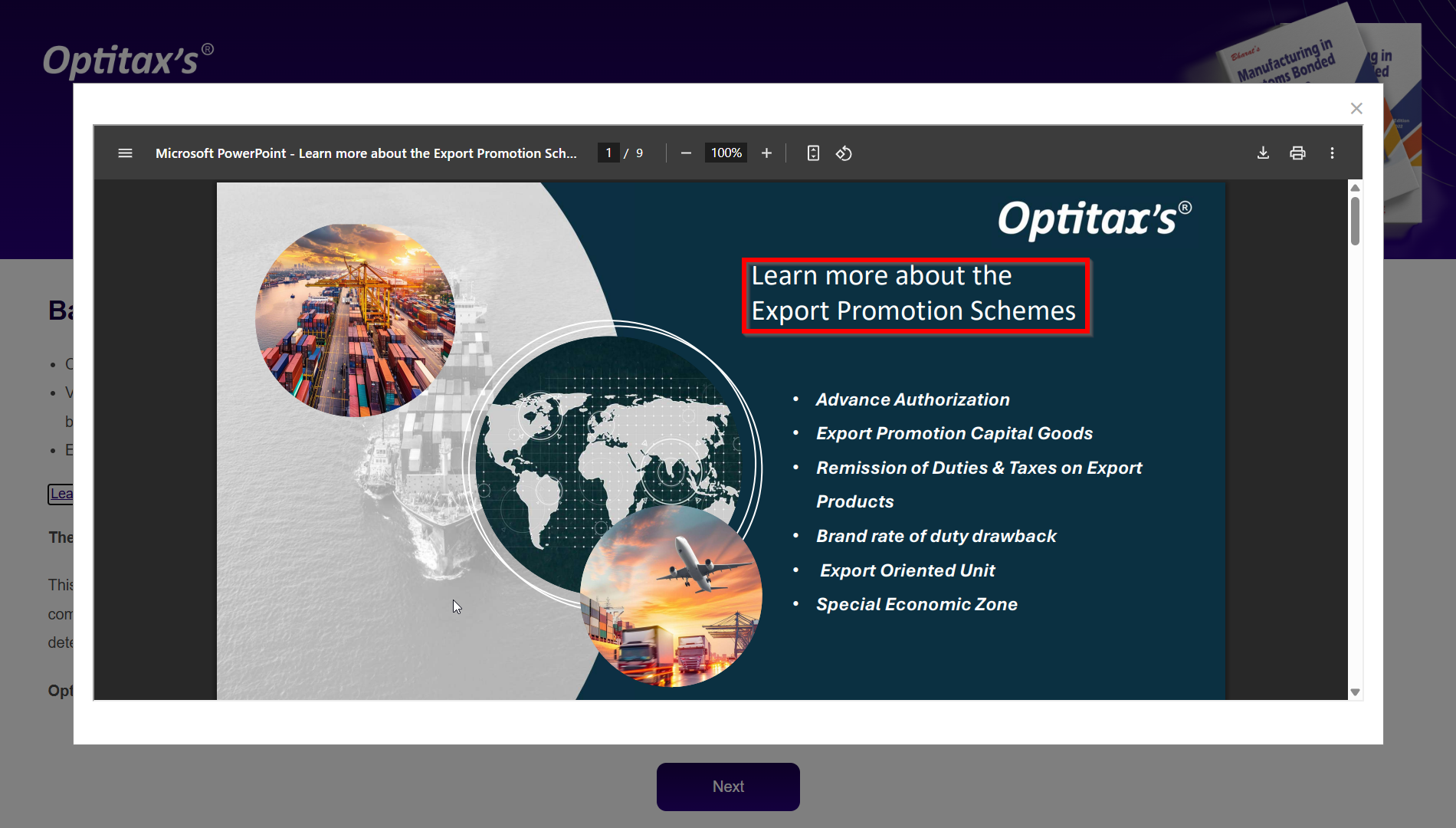
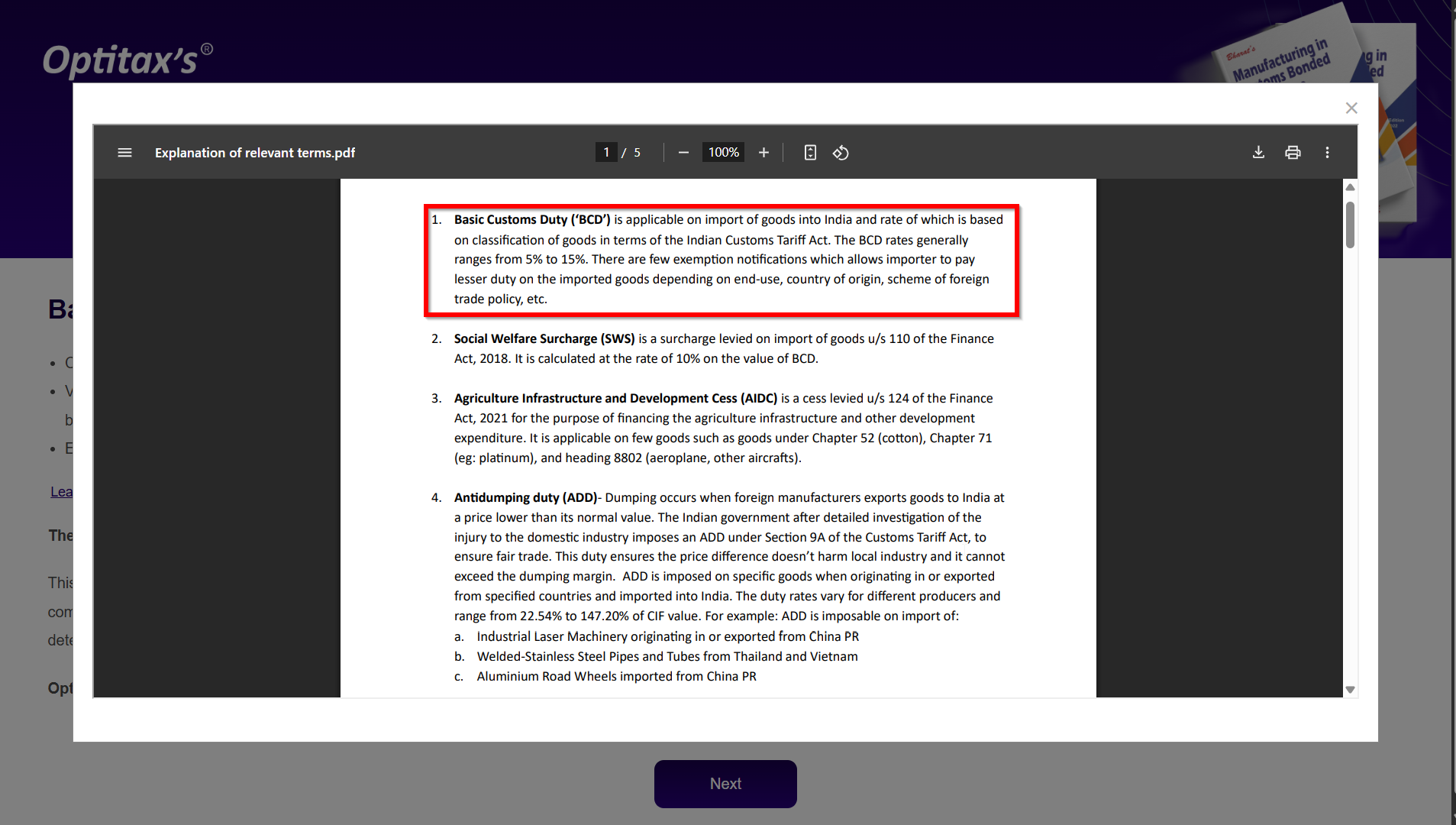
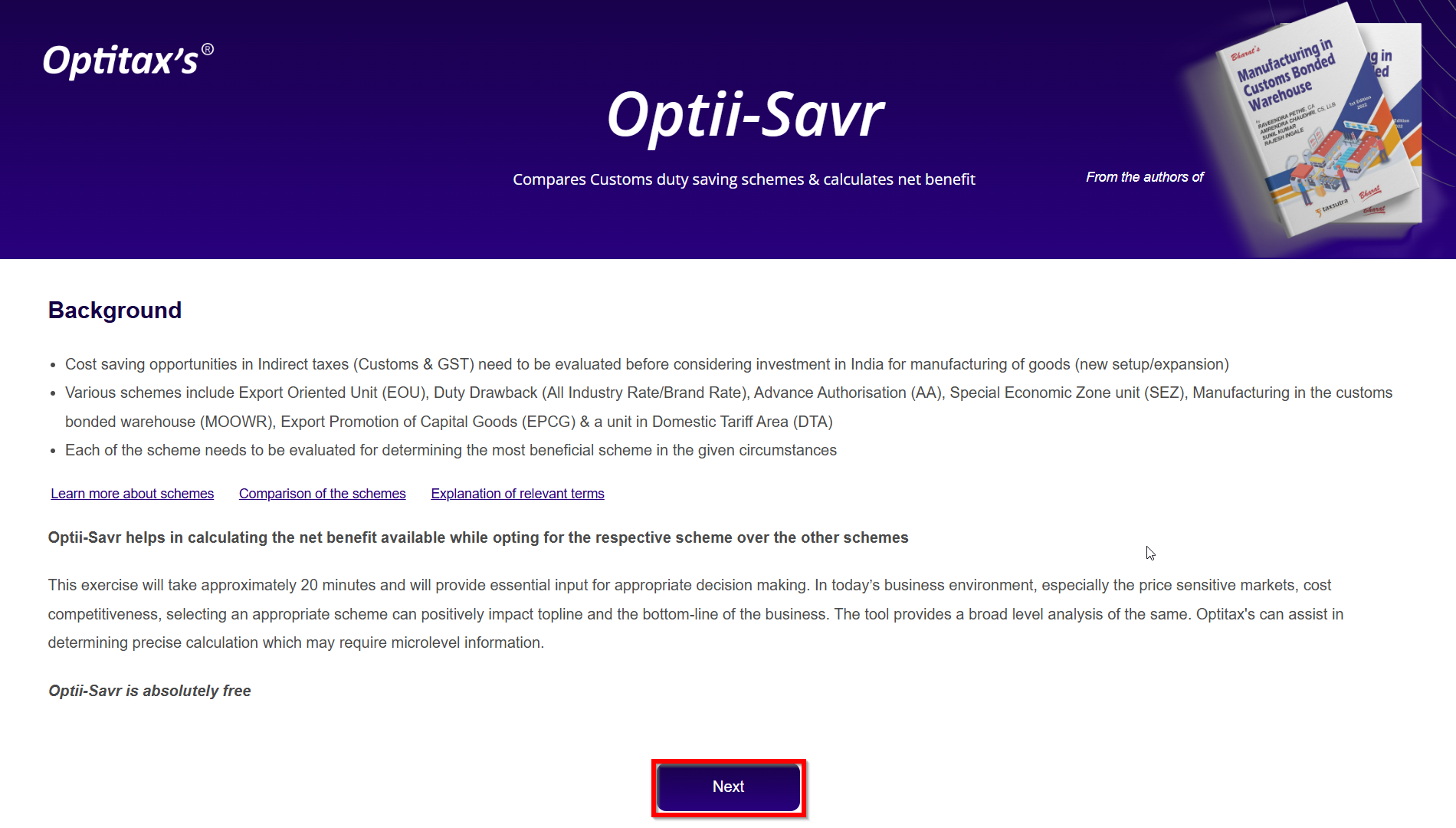
On the main screen, you'll see two helpful buttons— first one for learning more about schemes and second one is to comparison of scheme & third one explaining key terms. Review these to understand the tool’s context better.
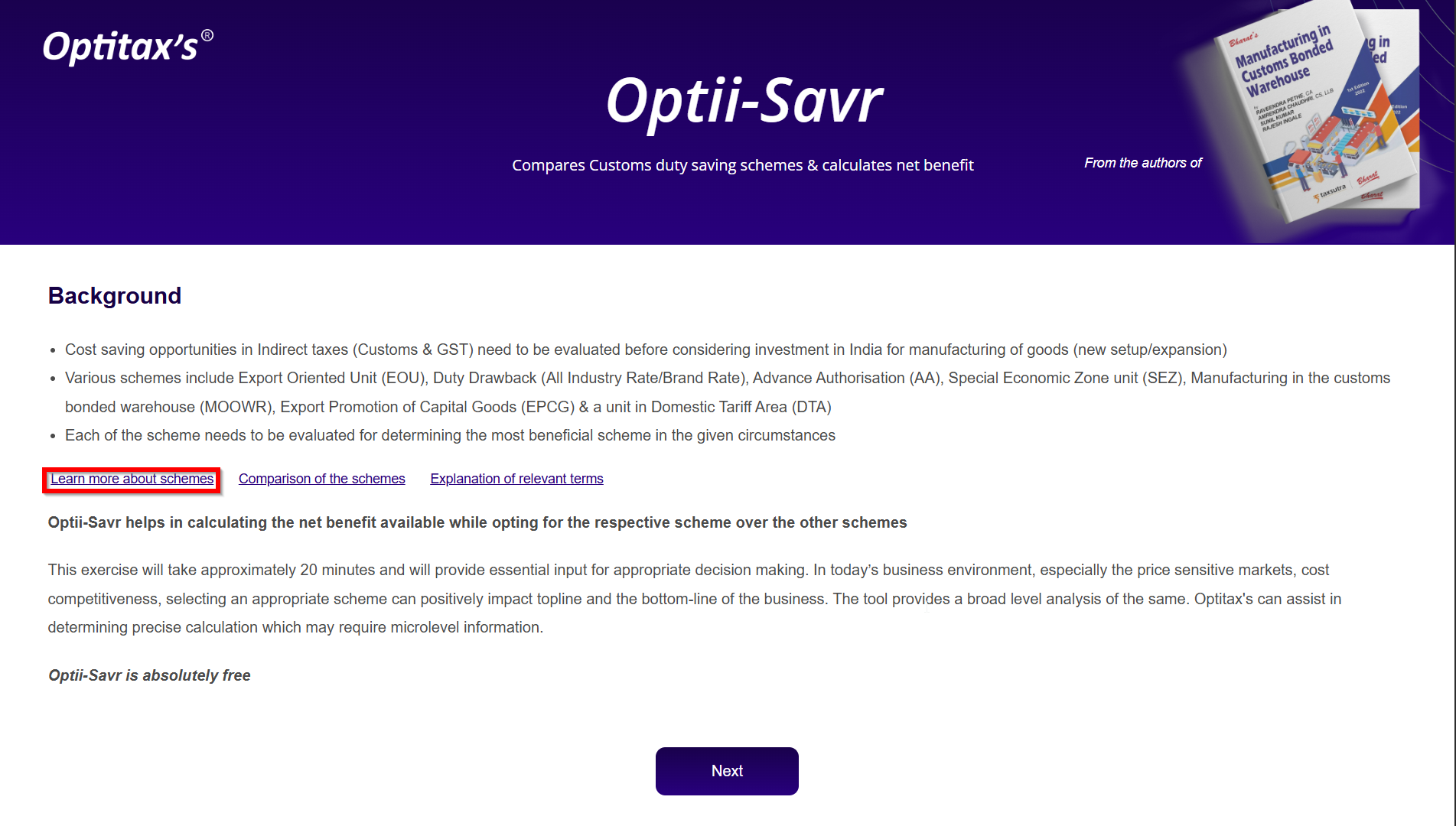

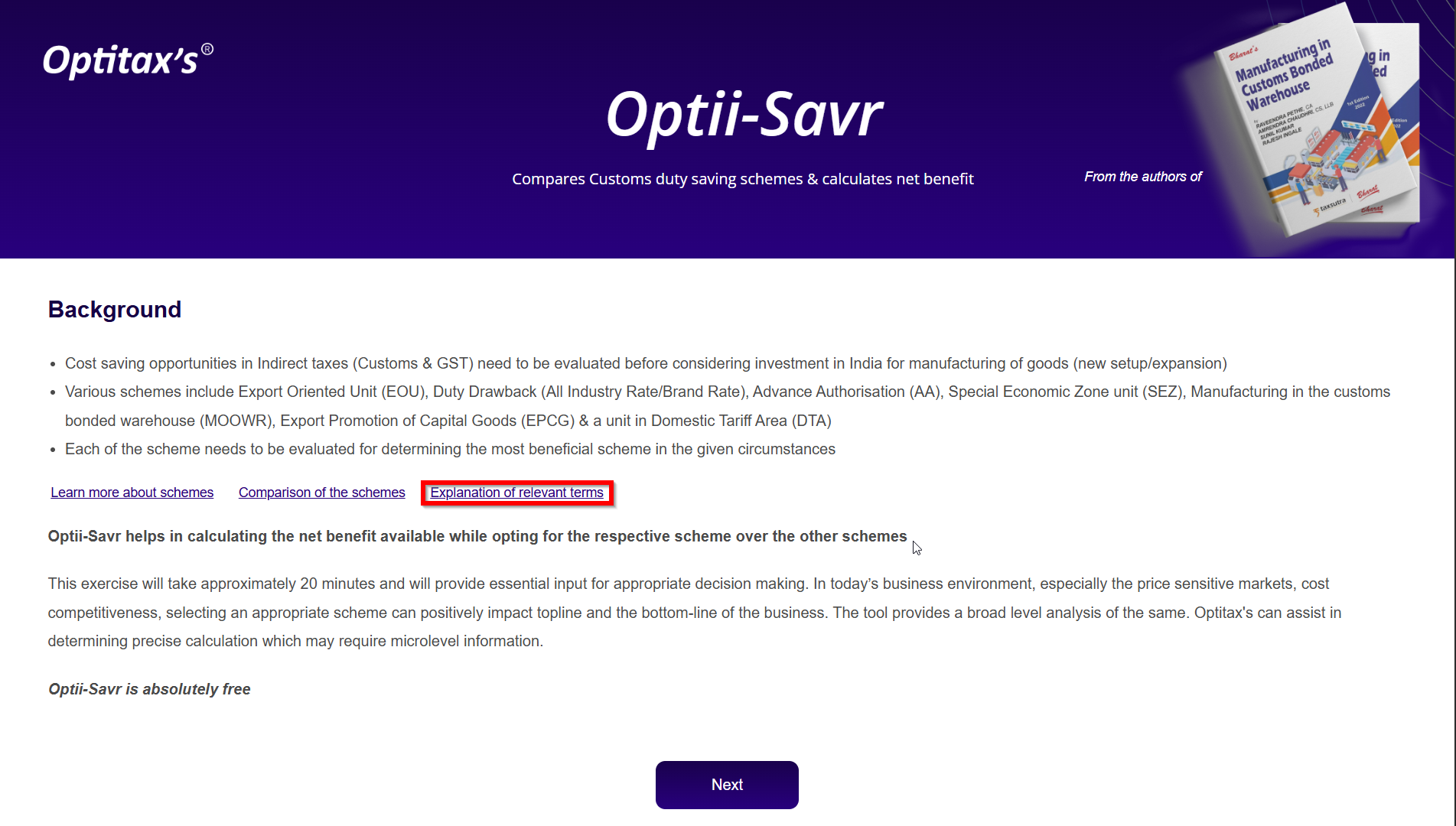
Each button opens an information screen for better clarity:

3) Accepting Terms & Conditions
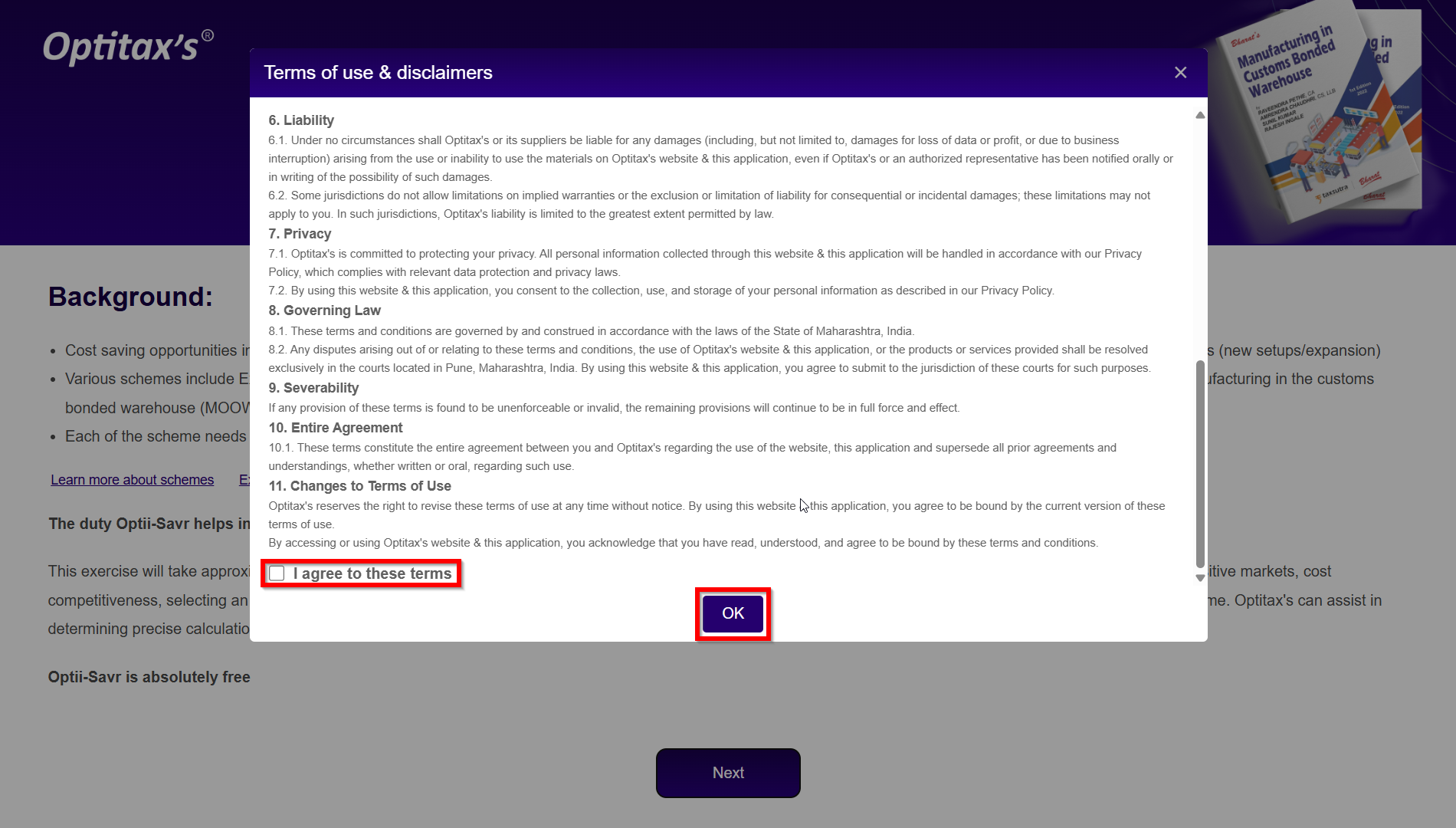
Before using the tool, review and accept the terms and conditions. This ensures responsible and informed usage.
4) Starting the Calculator
After accepting, you’ll reach the calculator dashboard. It’s divided into multiple sections that collect data step by step.
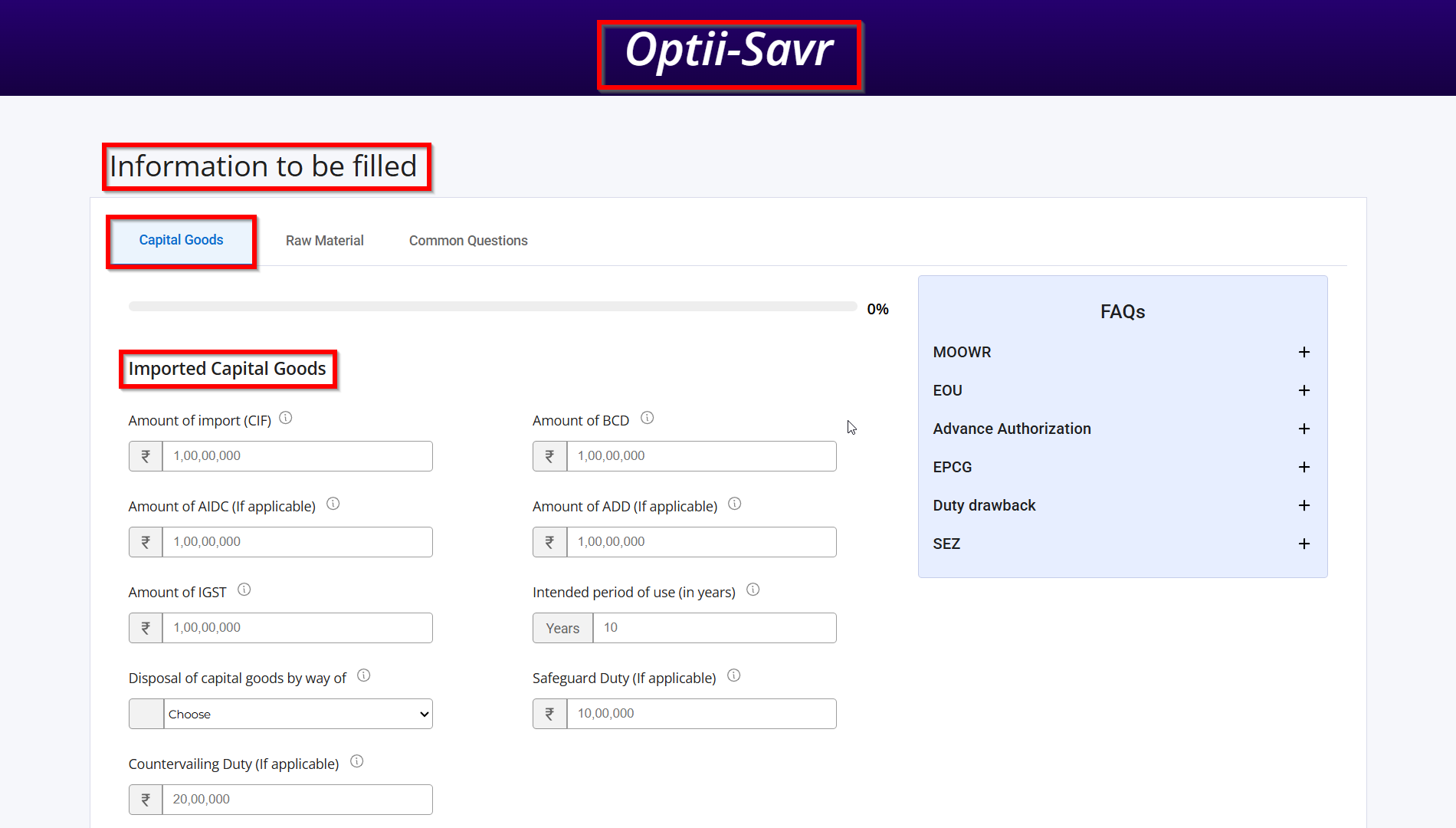
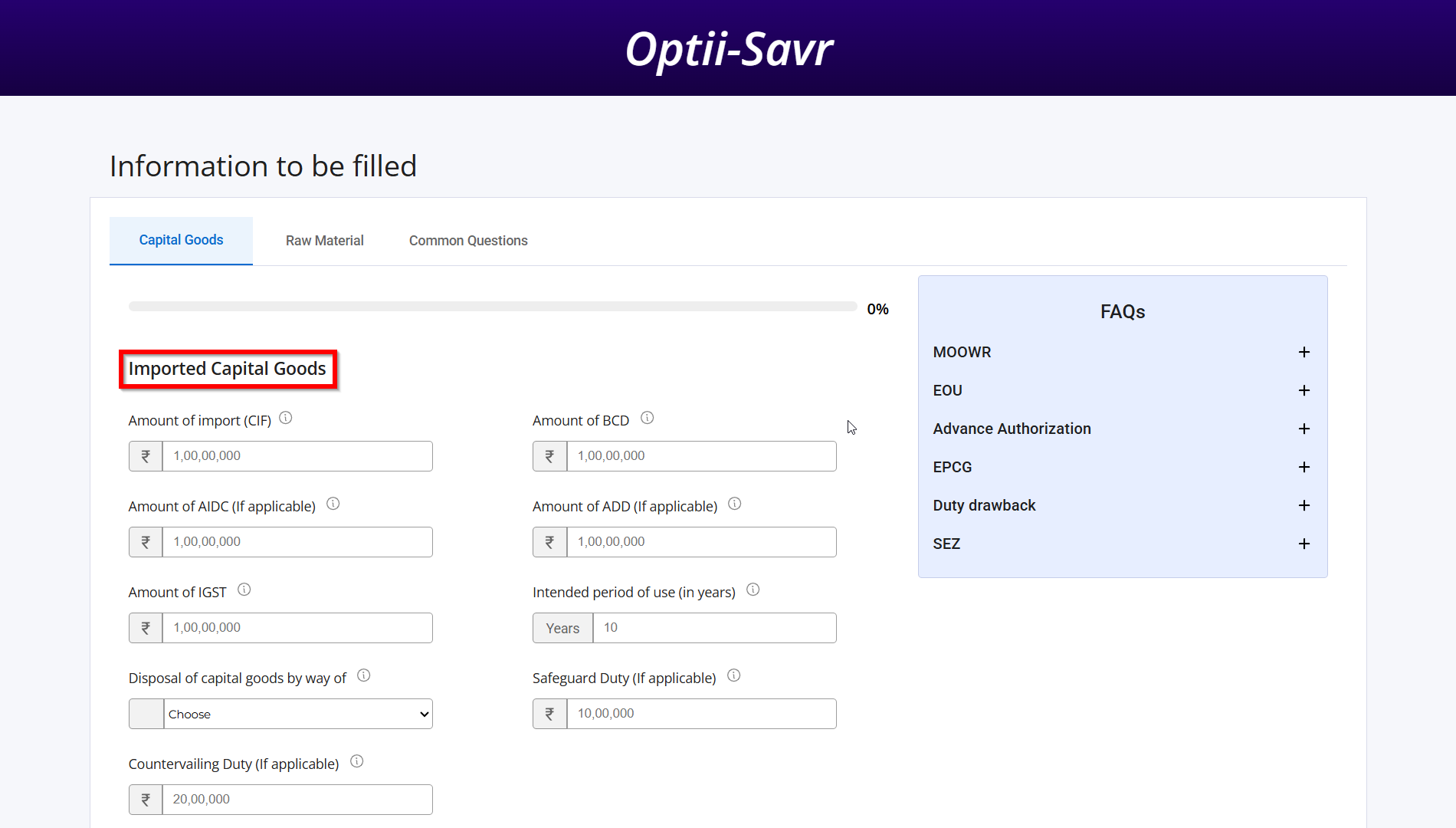
5) Enter Imported Capital Goods
Fill in values for imported capital goods, including applicable duties. Use Next/Prev buttons to move across sections.
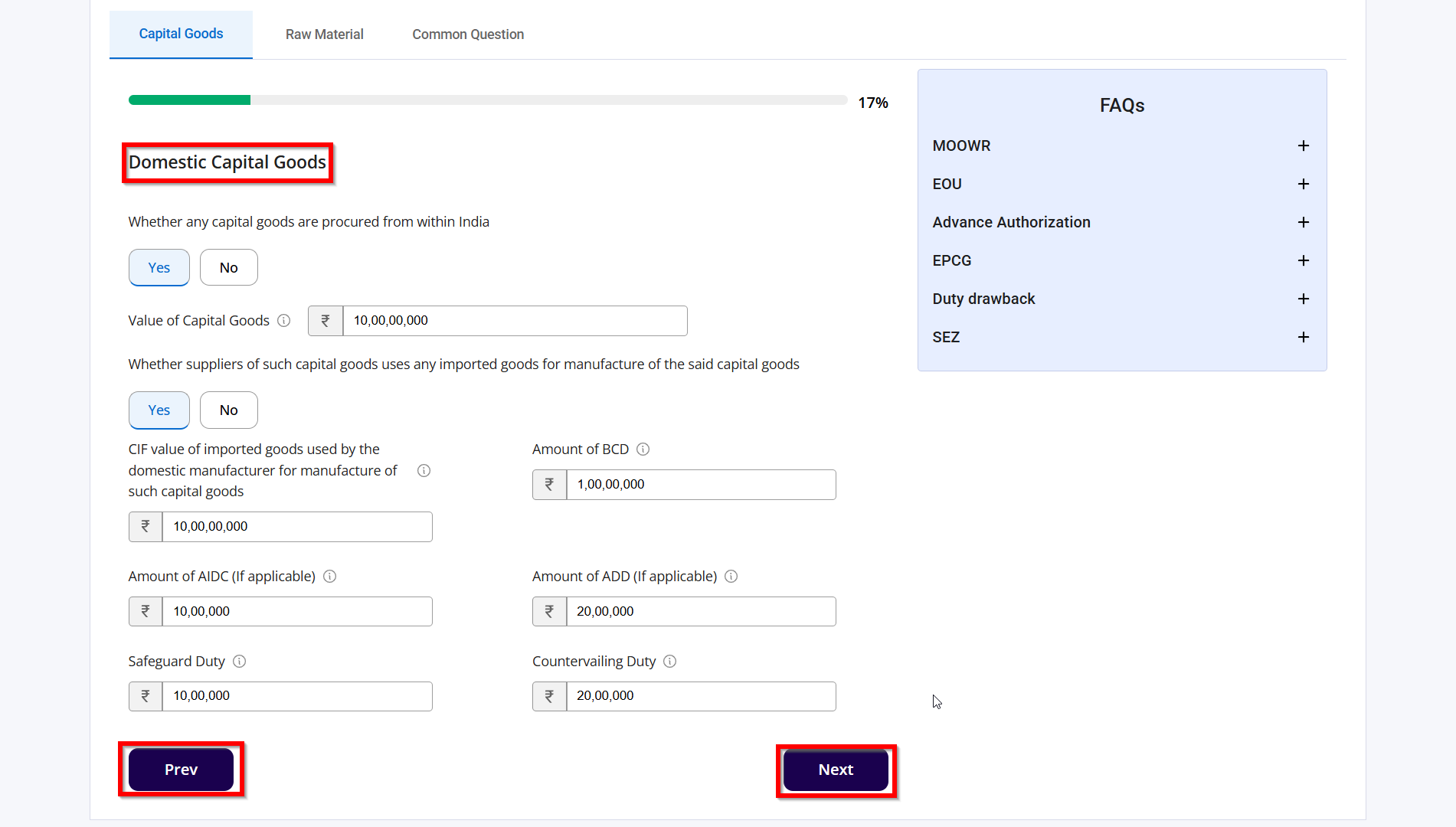
6) Enter Domestic Capital Goods
Provide similar inputs for domestically sourced capital goods to help compare savings effectively.
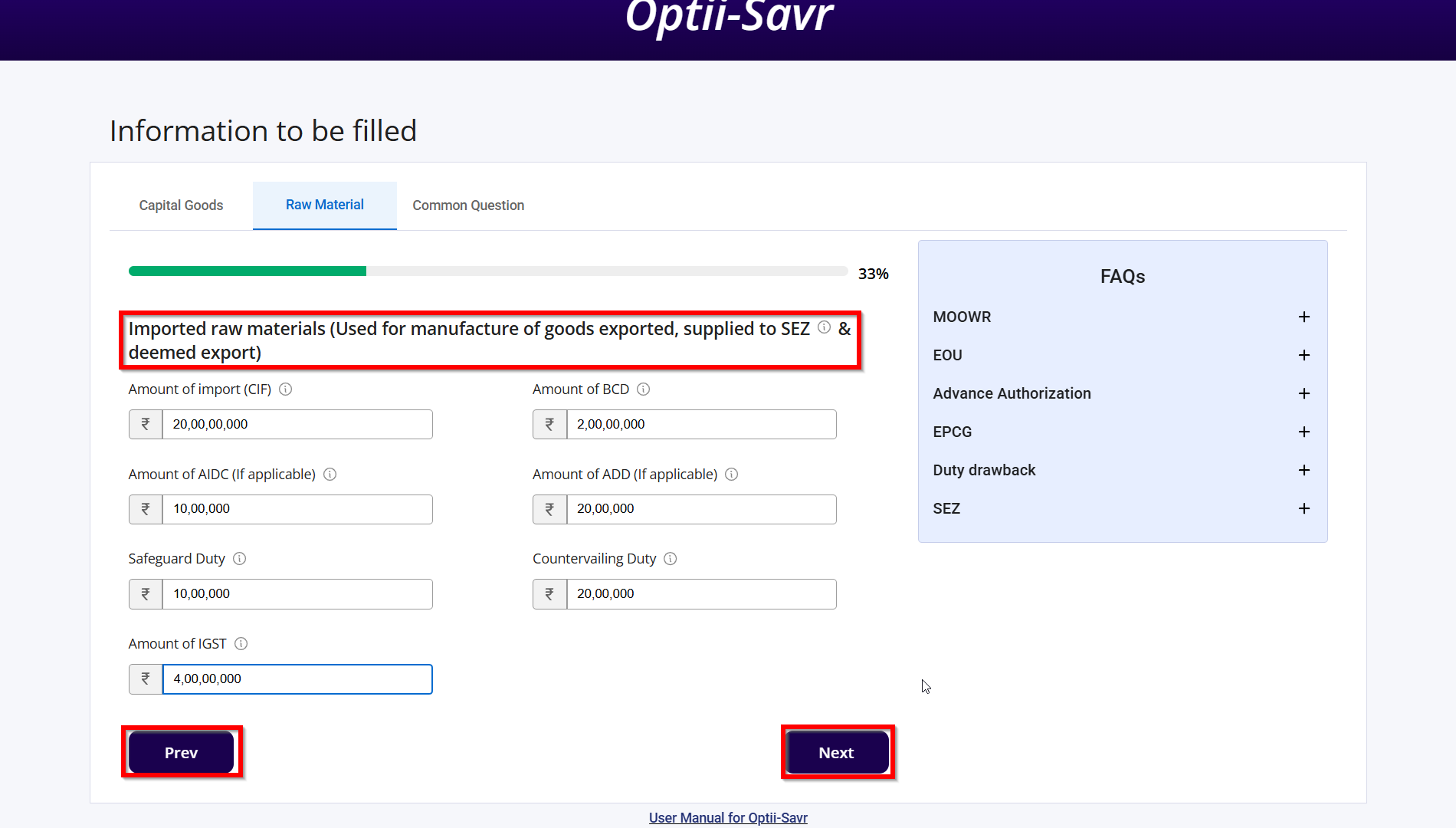
7) Imported Raw Materials for Export
Record data for raw materials used for exports, SEZ supplies, or deemed exports.
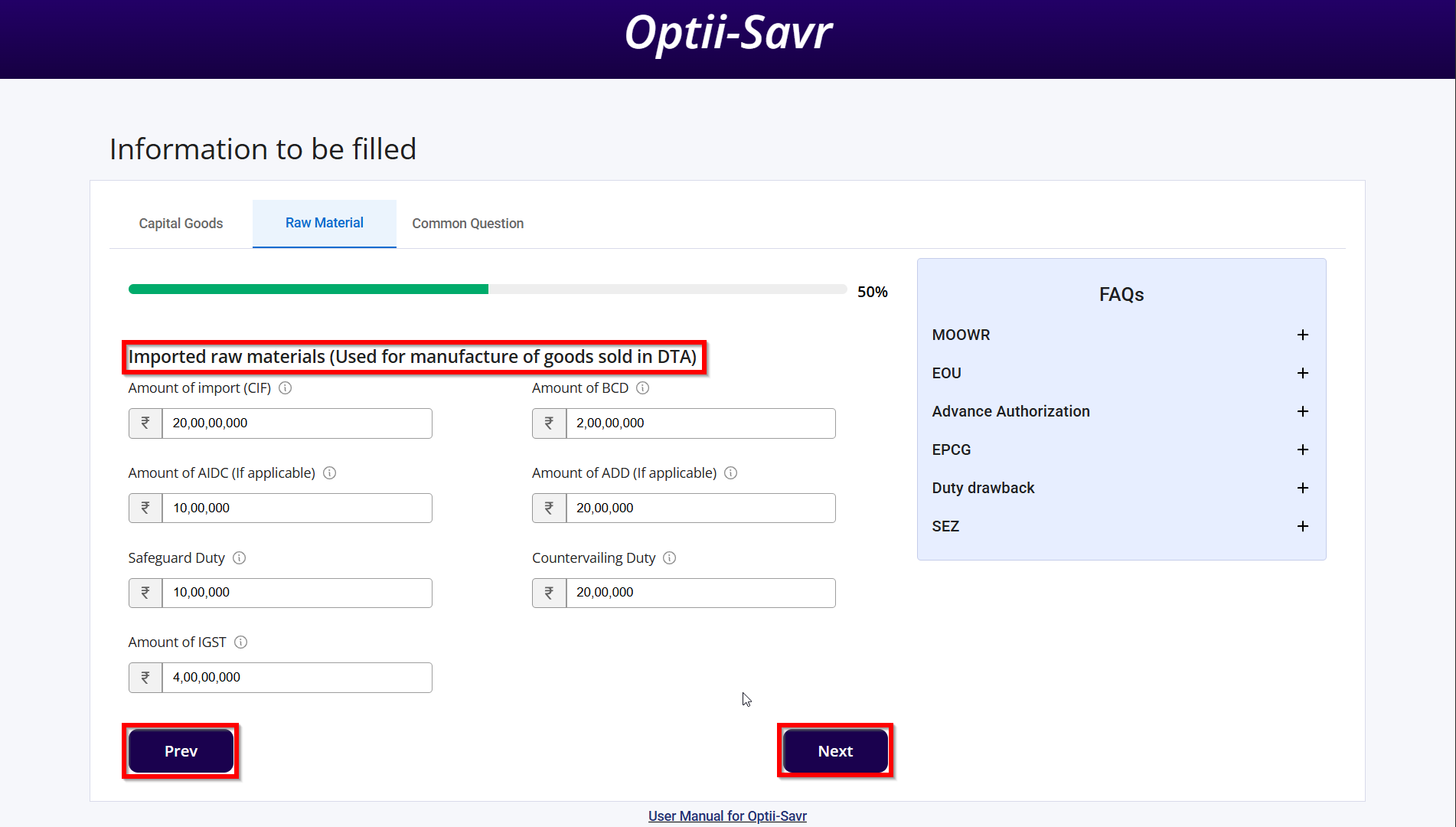
8) Imported Raw Materials for DTA
Input the cost and duty for raw materials used in products sold in the domestic tariff area (DTA).
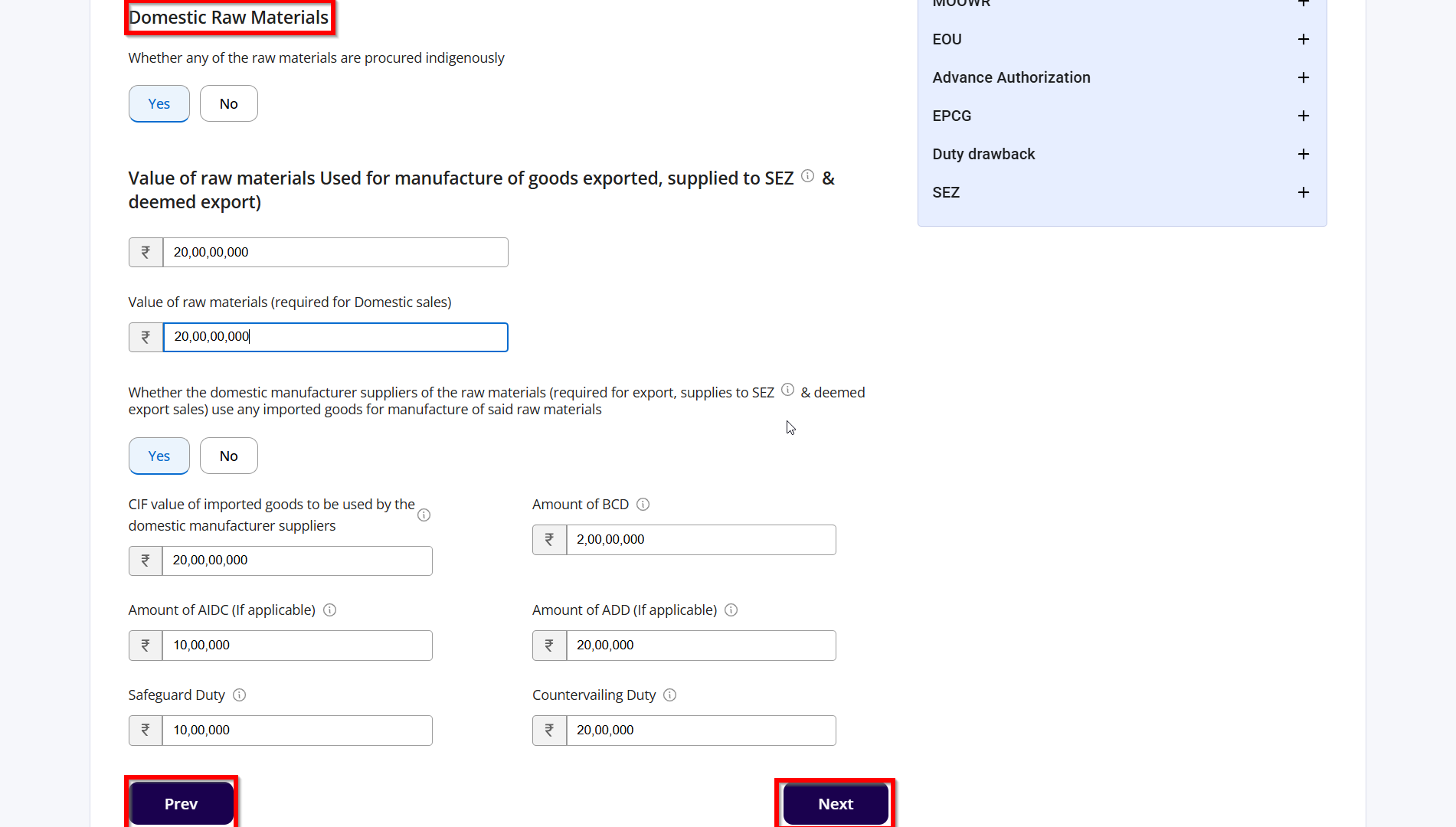
9) Domestic Raw Materials
List the costs and values of raw materials procured locally, which contribute to your final product.
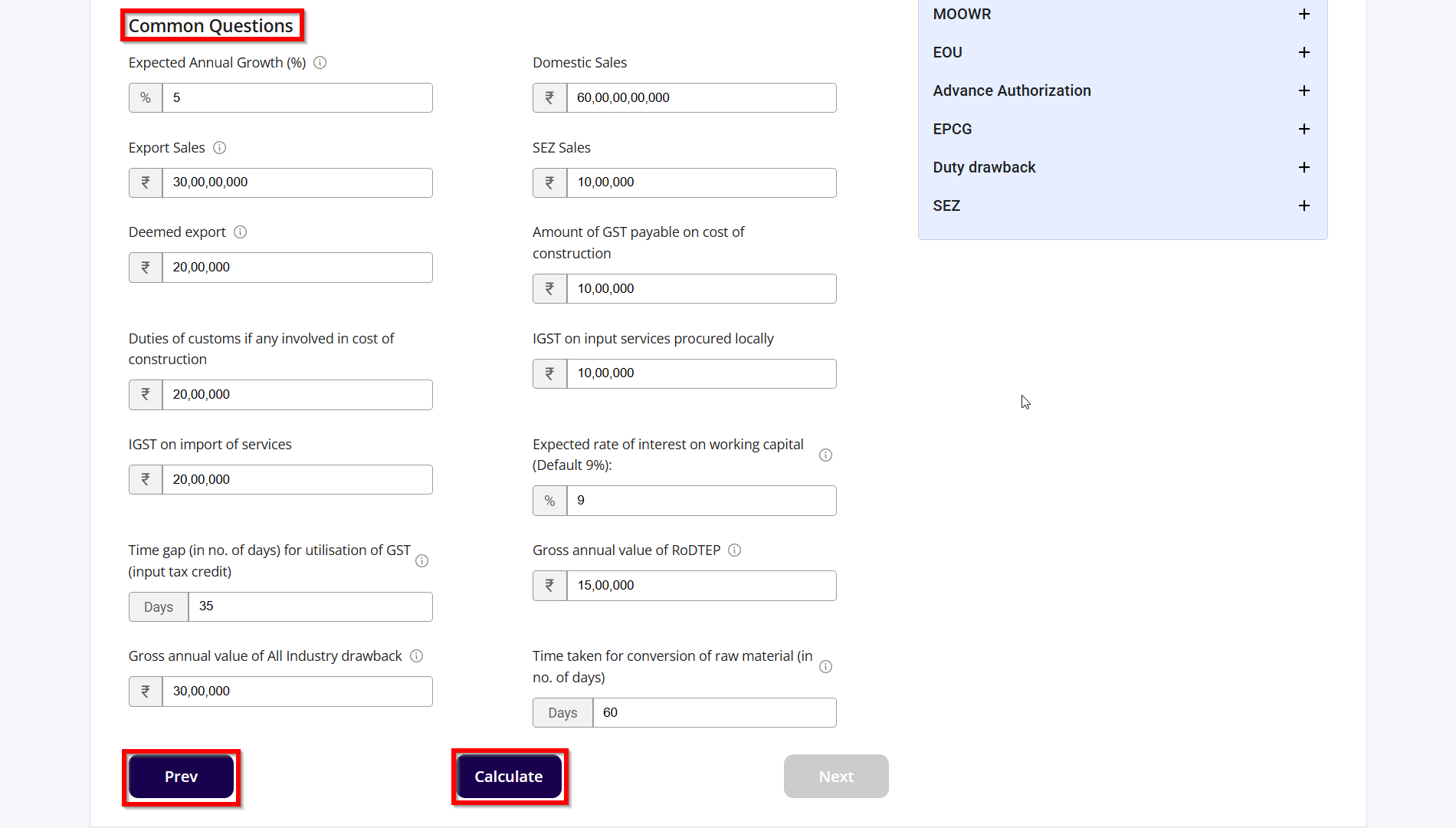
10) Answer Common Questions
Respond to key business-related queries such as export timelines, inventory turnover, and growth assumptions.
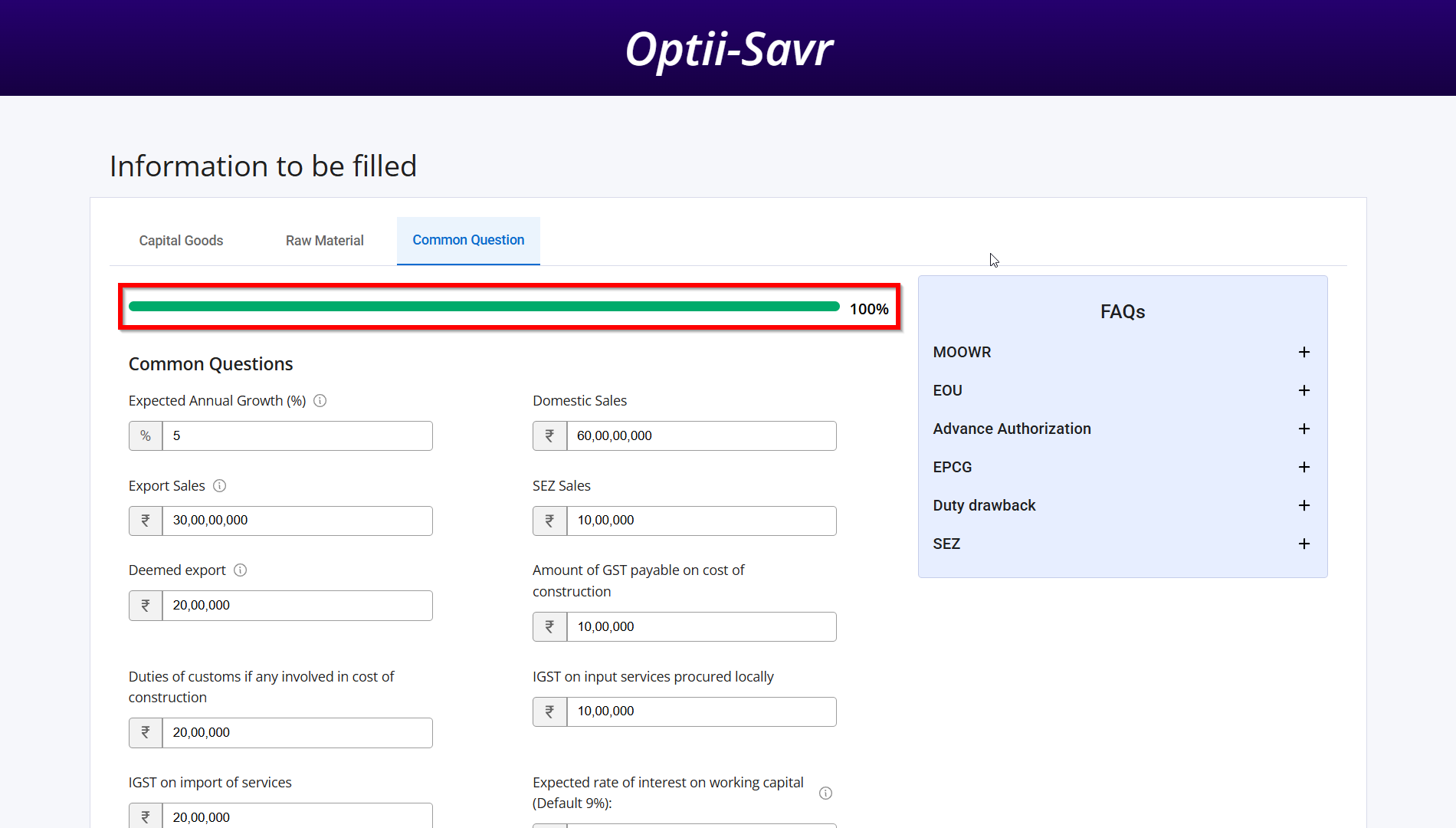
11) Calculate Savings
After inputting all data, click the “Calculate” button. A progress bar will show completion status.
12) View Report
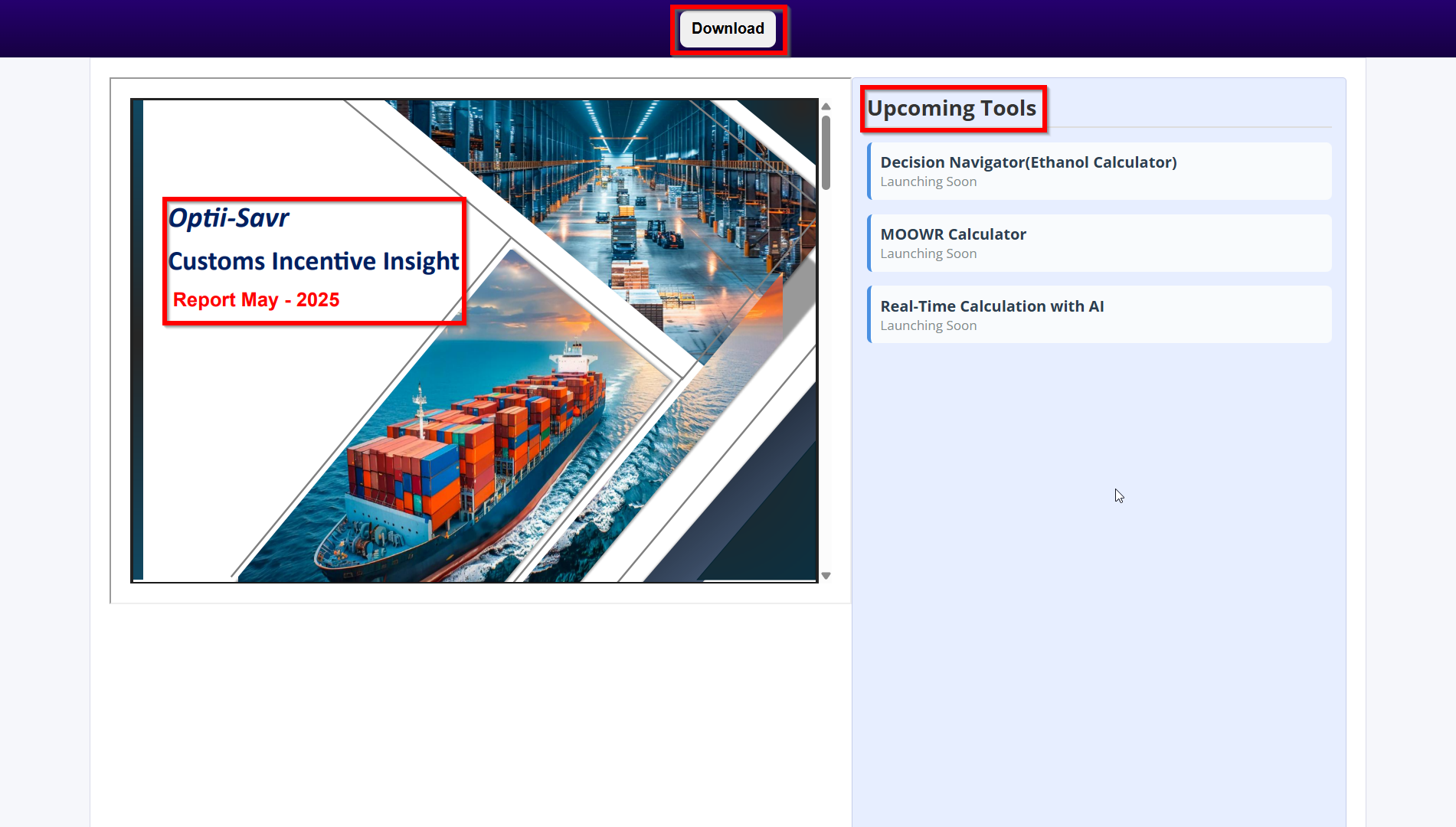
The tool displays your personalized report. Click the download button to save a PDF version for your records.
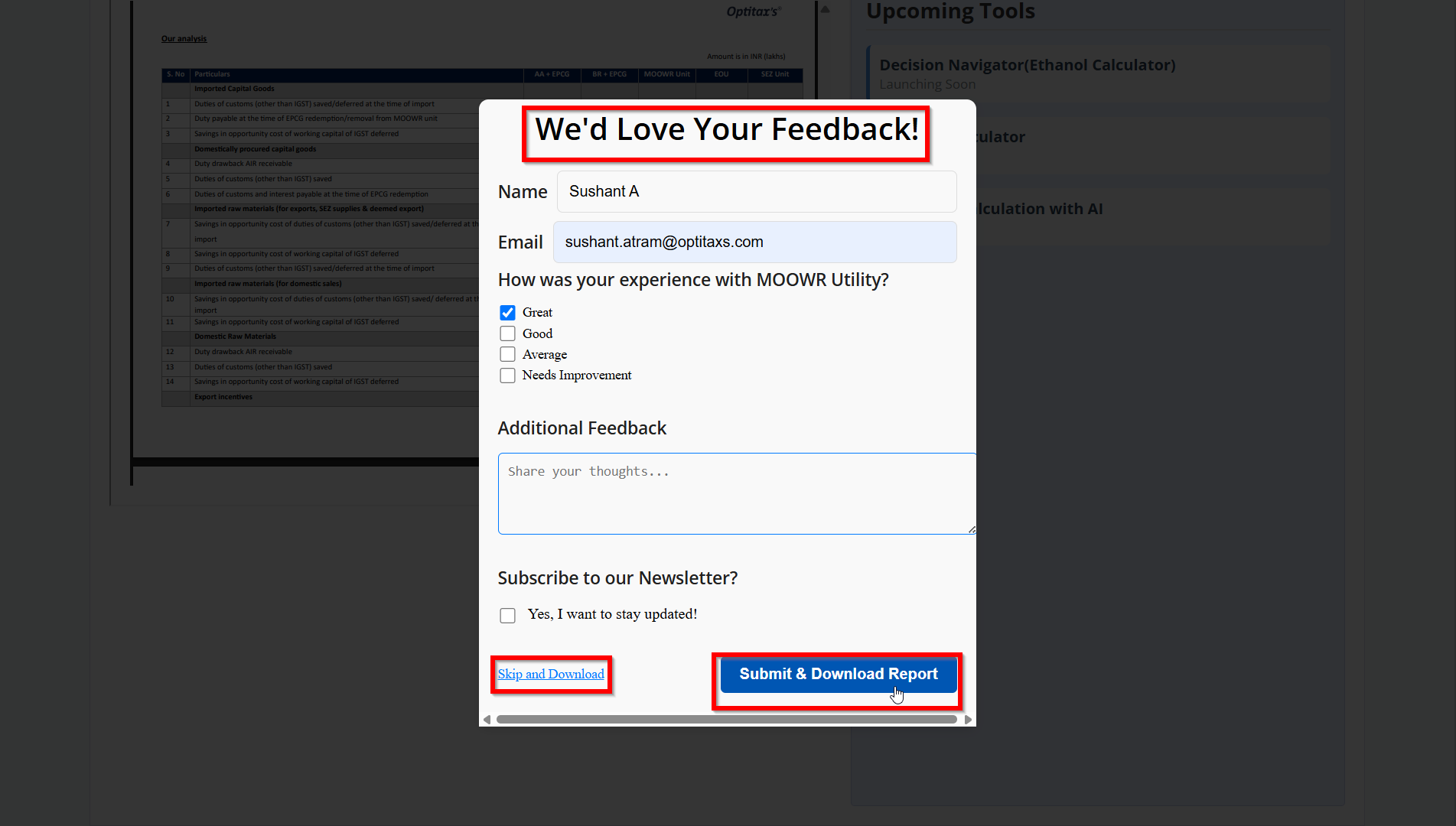
13) Submit Feedback
After downloading the report, you'll be prompted for quick feedback. This helps us improve the tool further.
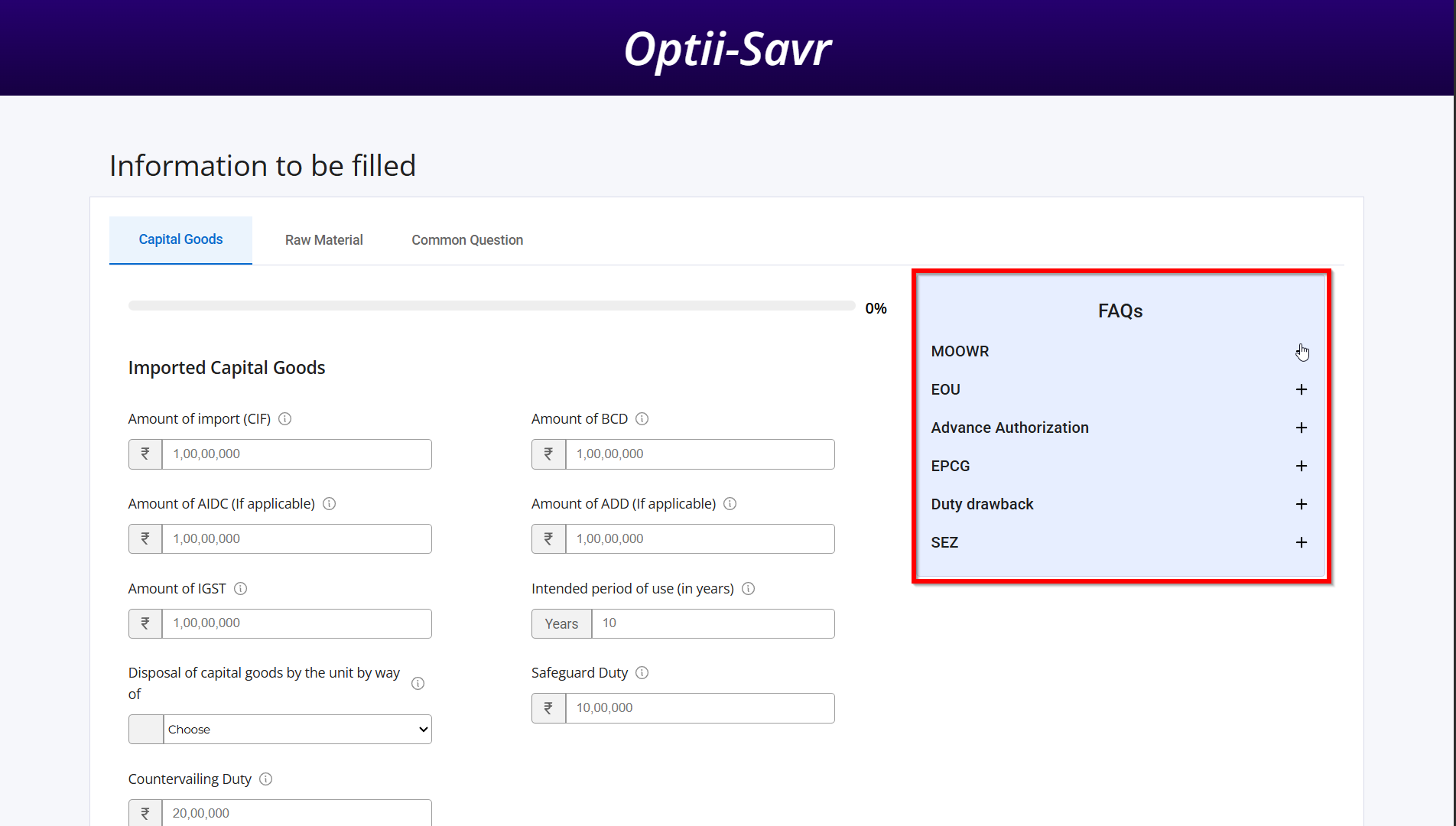
14) FAQs
If you have queries regarding these schemes you can refer our FAQs section.